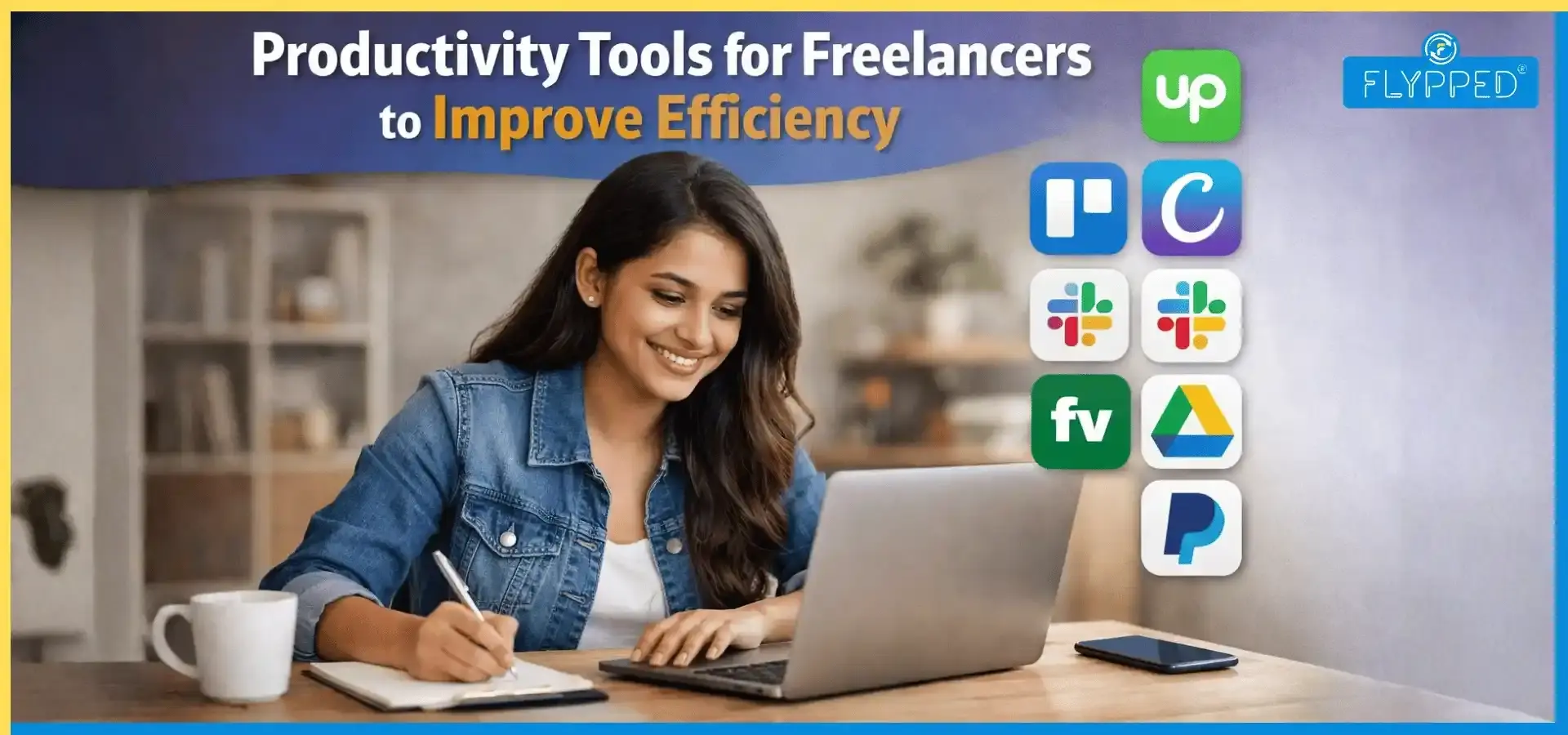
Productivity Tools for Freelancers to Improve Efficiency
To those who are not freelancers themselves, the freelancing landscape reads like a dream. Having the liberty to control our time, go on those mid-day coffee runs and maybe even work from a beach, but the reality is far from that. You are stuck between chasing invoices, managing complex client milestones, and trying to stay ahead of the curve with new tech; it’s easy to feel like you're running on a hamster wheel.
If you are a freelancer or planning to be one, you need to know and have the right stack of productivity tools for freelancers that will change your chaotic week into a streamlined, profitable business.
What are the best Productivity Tools for Freelancers?
Choosing the best project management tool for freelancers depends entirely on how your brain works. If you don't like working with multiple tools at once and want everything in one place, Notion is the way to go. You can build a custom workspace where your notes, project timelines and client portals will live under one roof.
If you want a more structured, traditional approach to task lists, Asana and ClickUp offer just that. If you’re just looking for the best tools for freelancers to organise client projects, Trello remains a favourite for its "digital sticky note" style, which makes project status obvious at a glance.
Which AI tools for freelancers actually save time?
There are still tons of debates about whether AI is truly a good discovery, but everyone can agree that it's really convenient. Just write a prompt, and you will save hours of your time struggling behind the screen.
The most effective AI tools for freelancers today are the ones that act as a silent partner. ChatGPT and Claude are essential for drafting tricky client emails, outlining long-form content, or even debugging a quick snippet of code.
For the visually inclined, Canva’s AI-powered "Magic Studio" has become a lifesaver for non-designers needing to whip up professional assets in minutes.
And if you’re drowning in those Zoom calls, tools like Otter.ai or Fireflies automatically summarise your meetings and push action items directly into your project management app, ensuring you never miss a client request again. It almost feels criminal how convenient things become using AI tools.
What are the best accounting tools for freelance work?
The best accounting tools for freelance work are those that automate the boring stuff. QuickBooks Online and Xero are the industry heavyweights, offering robust bank reconciliation and tax-readiness that your accountant will love.
If you want something sleeker, FreshBooks is tailored for service-based professionals, with a focus on ease of use and time tracking. If you are just starting and watching every penny, Wave offers a fantastic free tier that covers the essentials of bookkeeping and receipt scanning.
What is the best invoicing tool for freelancers in 2026?
The best invoicing tool for freelancers is one that makes it incredibly easy for the client to click "Pay." PayPal Invoicing is great for its global reach, but for a more professional, branded experience, Zoho Invoice is a powerful, often free, alternative.
If you are looking for invoicing and scheduling tools for marketing freelancers, you might want a specialised "business-in-a-box" tool like Bonsai or Indy. These platforms are brilliant because they link your signed contract directly to your invoice and your project calendar, creating a seamless workflow from the first "hello" to the final payment.
Are there visual business process tools for freelancers?
Sometimes a list of tasks won't get you working, but a big picture surely would. Visual business process tools for freelancers, such as Miro and Lucidchart, allow you to map out client journeys, content funnels, or complex project workflows.
For marketing freelancers specifically, having a visual content calendar is non-negotiable. Tools like Loomly or Later provide a visual grid of your upcoming posts, allowing you to see the "vibe" of a campaign before it goes live. This visual clarity doesn't just help you; it builds massive trust when you share these boards with your clients during a check-in.
The "best" tool is simply the one you will actually use. Start by identifying your biggest bottleneck. Are you losing time on social media? Try Buffer for scheduling. Is your "To-Do" list scattered across five notebooks? Move to Monday.com.
In our fast-paced world, we need to take full advantage of the developments around us. Using AI sustainably can help us progress and produce better-quality work. Productivity tools for freelancers help them achieve seamless communication and the highest level of professionalism without being on their feet all the time. By integrating project management tools for freelancers with smart AI and automated accounting, you stop being a "manager of tasks" and start being a business owner.
Frequently Asked Questions
Find answers to common questions about this topic
AI is your one-stop solution for freelancing. You can use AI to handle "busy work" like summarising long client meetings, reminding you of tasks, and maintaining clear communication with your client.
Every solid freelance toolkit needs a reliable project manager like Notion, a professional invoicing app like Bonsai, and a versatile AI assistant to speed up your research and writing process.
Depending on your style, Trello is fantastic for visual "drag-and-drop" task tracking, while Asana or ClickUp offer the deeper structure needed for complex, multi-stage client campaigns.
While email is the classic, moving your quick chats to Slack or using a dedicated client portal in Monday.com helps keep your professional boundaries firm and your project files organised in one place.
Toggl Track is the gold standard for its simple "one-click" timer that makes it effortless to log every billable minute without interrupting your creative flow.