Best AI Tools for Students: Top AI Tools for Learning, Writing and Research

The educational landscape is evolving, and students are turning to innovative tools that can enrich their learning experiences. The "Best AI Tools for Students" offer a variety of features designed to enhance studying, boost productivity and spark creativity. This guide dives into the most effective AI tools available in 2026, spotlighting their unique attributes and advantages for students in India.
Why AI Tools Matter for Students Today
AI adoption among students is no longer a niche trend rather it's the default. Most students now use some form of generative AI during their coursework, whether for research, writing or studying. Universities and schools are adjusting policies rather than banning the technology outright because the upside is too significant to ignore like personalized explanations, instant feedback and study sessions that adapt to what you actually don't understand yet.
NOTE: Stay informed with AI news, gadget reviews, tech trends, smartphone launches, and latest updates.
The catch is intent. AI tools used to shortcut thinking like copying answers without engaging with them tend to hollow out the very skills a degree is supposed to build. AI tools used to support thinking via organizing sources, quizzing you on weak spots, catching grammar errors so you can focus on argument tend to accelerate learning. The tools below are grouped by what they're actually good for, so you can build a toolkit that does the second thing, not the first.
Basically, AI tools for students are applications that utilize artificial intelligence to assist with various educational tasks. They help with learning, research, writing and organization, making study processes smoother and more efficient. The role of AI in modern education is crucial as it personalizes learning journeys and offers quick, tailored access to information.
Best AI Tools for Content Writing
Writing assistance remains one of the most common academic use cases and for good reason, a good writing tool won't write your essay for you but it will make your own writing sharper.
- Grammarly is still the standard for grammar, tone and clarity checks. Its browser extension works across Google Docs, email and most web forms, catching awkward phrasing before a professor does.
- ChatGPT and Claude are useful less as essay generators and more as sounding boards, ask them to poke holes in your thesis, suggest counterarguments or explain why a paragraph feels unclear.
- Quillbot is popular for paraphrasing, though it works best as a way to explore alternate phrasing for your own draft rather than a shortcut to a finished piece.
The best practice here is write your first draft yourself, then bring in AI to tighten structure and language. That order matters as it keeps your voice and your reasoning in the final product.
Best AI Tools for Research
Research is where AI has arguably made the biggest difference, mainly because the newer tools are built to cite their sources instead of guessing.
- NotebookLM (Google) is designed specifically to answer only from documents you upload like lecture slides, PDFs, journal articles which makes it far less prone to inventing facts than a general chatbot. It's become a favorite for literature reviews and exam prep because every answer traces back to your own material.
- Perplexity functions like a research-focused search engine with built-in citations, making it useful for quickly scoping a topic before you dive into full papers.
- Claude and ChatGPT remain strong for synthesizing and explaining research once you've gathered your sources, though always verify specific facts and citations independently as general-purpose chatbots can still get details wrong.
For a good research workflow, use a citation-grounded tool like NotebookLM or Perplexity to gather and verify sources, then use a general assistant to help you understand and structure what you've found.
Best AI Tools for Education: For Tutoring & Concept Explanation
This category is about understanding, not producing an assignment arguably the highest-value use of AI in school.
- Khanmigo, built by Khan Academy is designed as a socratic tutor. So, instead of handing you the answer, it asks guiding questions that walk you toward it yourself.
- Wolfram Alpha remains unmatched for step-by-step math and science problem solving, showing its work rather than just a final number.
- Duolingo Max layers AI-generated conversation practice and explanations on top of its language courses.
Research on AI tutoring has been genuinely encouraging as structured, tutoring-style AI use has been linked to significantly faster concept mastery compared to traditional passive study methods. The key differentiator is a tool that makes you work for the answer rather than one that just gives it to you.
AI Productivity Tools for Students
Beyond individual subjects, a handful of tools help manage the actual logistics of student life through schedules, deadlines and juggling multiple classes.
- Notion AI combines note-taking, task management and an AI assistant that can summarize pages, draft outlines or turn a messy brain-dump into an organized plan.
- Google Gemini is worth considering if you're already living inside Google Workspace, since it works directly within Docs, Sheets and Gmail without switching apps.
- Otter.ai transcribes lectures and meetings in real time and can summarize key points afterward, which is useful for students who process information better by reviewing than by note-taking live.
The general rule with productivity tools is to pick one that fits into an app you already use daily. A powerful tool you abandon after a week is worse than a simple one you actually stick with.
Best AI Tools for Assignments
For actual assignment work, problem sets, lab reports, project planning, the goal is support but not substitution.
- ChatGPT and Claude are effective for breaking down assignment instructions, generating an outline to work from or checking your reasoning on a problem set before you submit it.
- Grammarly catches the last layer of polish before submission.
- Turnitin's AI-detection tools are increasingly used by institutions which is a good reminder to always check your school's specific AI policy before using these tools on graded work, since rules vary significantly between professors and departments.
Best AI Tools for Coding Students
Computer science and engineering students have arguably the most mature AI tooling available, largely because code is easier for models to verify than prose.
- GitHub Copilot integrates directly into code editors like VS Code, suggesting completions and entire functions as you type which is excellent for learning syntax patterns, though it's worth typing solutions out yourself first when you're still learning a concept.
- Claude and ChatGPT are strong for debugging, paste an error message and get a plain-language explanation of what went wrong and why.
- Replit combines a cloud coding environment with built-in AI assistance, useful for students who don't want to manage a local dev setup.
A common trap here is not to let Copilot autocomplete entire assignments. It's a phenomenal tool for someone who already understands the fundamentals and a shortcut that quietly stalls skill-building for someone who doesn't.
Best AI Tools for Note Taking
Good notes are the backbone of exam prep and AI has made the process considerably less tedious.
- Notion AI can convert scattered notes into structured summaries and even generate follow-up study questions.
- Otter.ai turns spoken lectures into searchable, summarized transcripts.
Several newer dedicated study apps now generate flashcards, mind maps and even audio-style study podcasts directly from uploaded lecture slides or textbook chapters, indeed it's genuinely a useful format for students who study better by listening.
Free AI Tools for Students
Budget matters and thankfully most of the tools above offer usable free tiers:
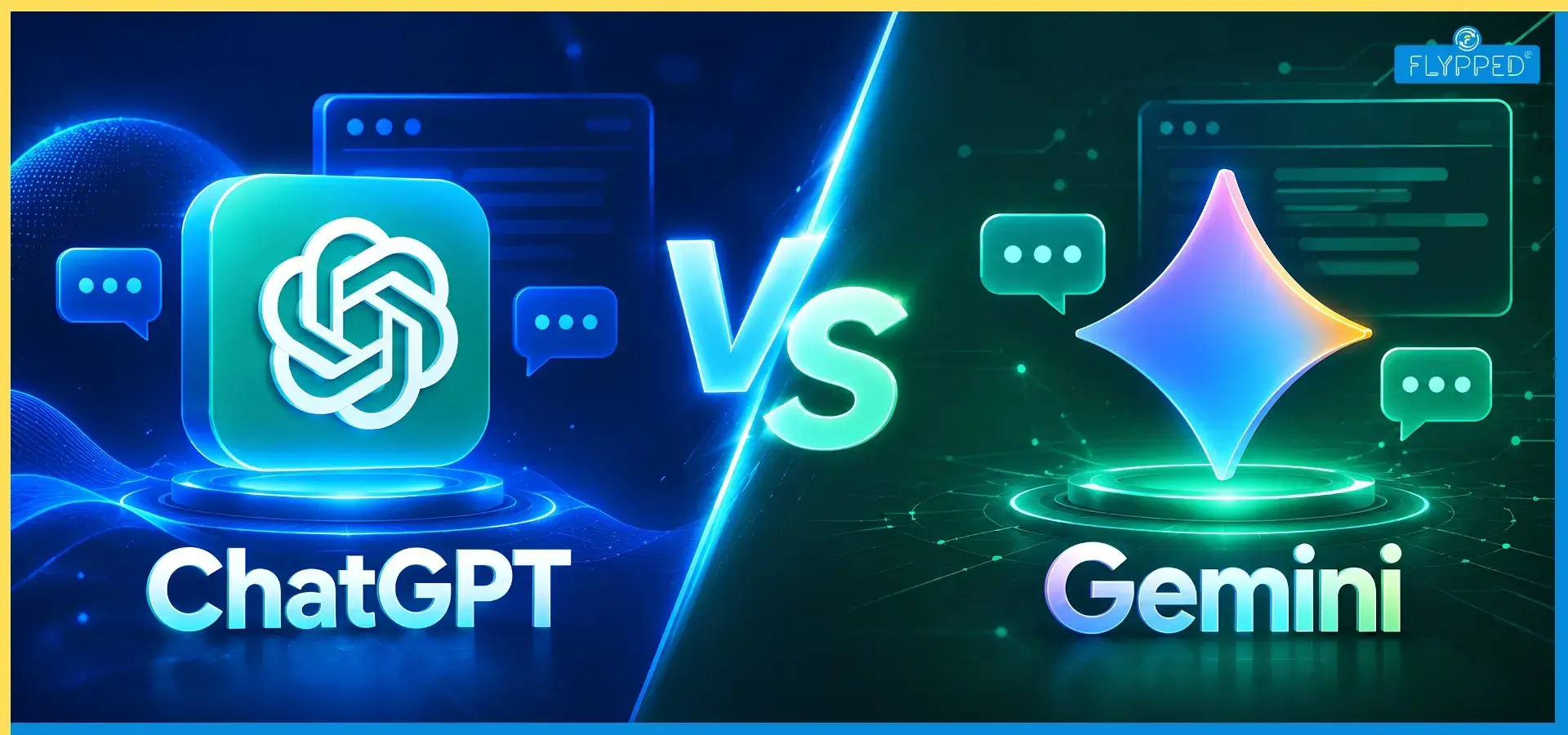
- ChatGPT, Claude, and Gemini, all have free versions capable of handling most everyday academic tasks.
- NotebookLM is free to use with generous upload limits.
- Grammarly's free tier covers core grammar and clarity checks.
- Wolfram Alpha and Khanmigo are free or low-cost and specifically built for students.
Most students don't need every tool on this list as tools covering writing, research and one subject-specific tool (math, coding or language) is usually enough to cover a full course load without tool fatigue.
AI Tools for Students in India
Indian students face a slightly different landscape due to rupee-denominated pricing, regional language support and for many, connectivity constraints matter as much as raw capability.
- ChatGPT, Claude and Gemini, all offer free tiers accessible in India, with paid plans priced in USD but generally competitive against local alternatives.
- Google Gemini has an advantage for students already using Android phones and Google Workspace, since it's built into tools most Indian students already use daily.
- Khanmigo remain free and are increasingly used in Indian classrooms as schools integrate AI into existing curricula.
- Regional ed-tech platforms are increasingly layering AI tutoring on top of exam-specific prep (JEE, NEET, UPSC) which can be more targeted than general-purpose tools for competitive exam preparation.
AI Tools For Students Learn Faster
If speed of learning matters not just task completion is the goal, prioritize tools built around active recall and spaced repetition rather than passive answer generation:
- Use a Socratic-style tutor like Khanmigo or prompt ChatGPT or Claude to "quiz me instead of explaining" so you retrieve information instead of just reading it.
- Generate practice questions, not just summaries for active testing is one of the most well-established ways to retain material long-term.
- Ground your research in your own materials so what you study maps directly to what you'll be tested on.
- Review consistently, using AI-generated flashcards or spaced-repetition prompts rather than cramming the night before.
Building your own AI Toolkit
There's no single "best" AI tool for every student, the right stack depends on your major, your budget, and how you personally learn best. A good starting point for most students:
- One general-purpose assistant (ChatGPT, Claude or Gemini) for explanations and drafting help
- One citation-grounded research tool (NotebookLM or Perplexity)
- One writing polish tool (Grammarly)
- One subject-specific tool if needed (GitHub Copilot for coding, Wolfram Alpha for math)
Final Thoughts
Used deliberately, these tools won't just save time but help you understand material more deeply than passive studying ever could. Used carelessly, they can just as easily become a way to avoid the thinking your education is supposed to build. The difference isn't the tool but how you use it.
Read More:
Frequently Asked Questions
Find answers to common questions about this topic
ChatGPT is used by a clear majority, ahead of Gemini, Perplexity and Claude.
ChatGPT, Google Gemini, Claude, Perplexity, NotebookLM.
Depends on task as NotebookLM for good for source-grounded research, ChatGPT/Claude for writing and problem-solving. Most students use both.
NotebookLM, Wolfram Alpha and Khan Khanmigo are free. ChatGPT, Claude and Gemini have solid free tiers too.
ChatGPT has simplest interface, lowest learning curve. Gemini is easiest if you already use Google apps.